
Consulting Practice
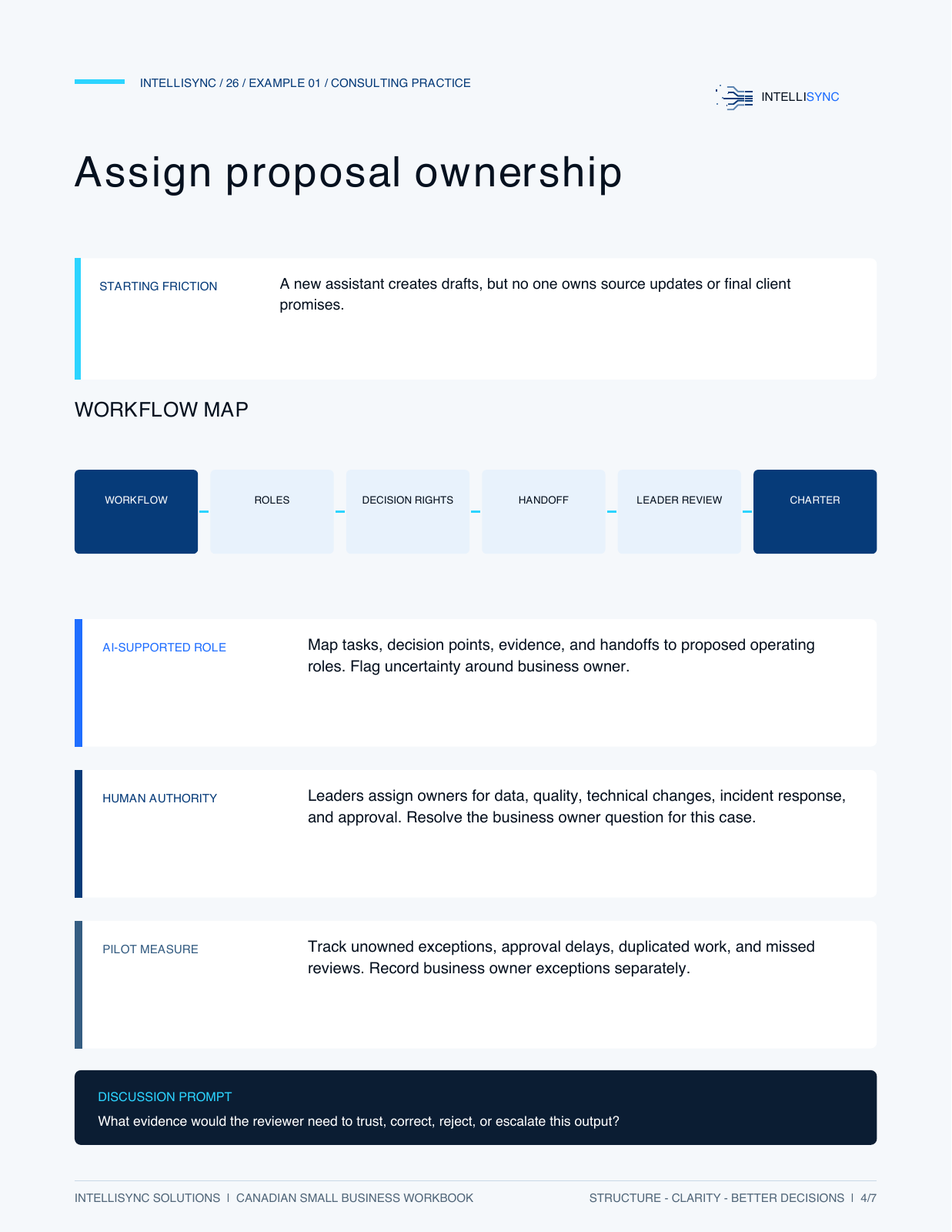
Assign proposal ownership
A new assistant creates drafts, but no one owns source updates or final client promises.
Free Canadian small business workbook
A worksheet for making AI ownership, decision rights, escalation, and accountability visible.
7 pages · PDF workbook · No email required
Scroll through the full workbook below. Download the PDF for selectable text, printing and your own working copy.
What’s inside
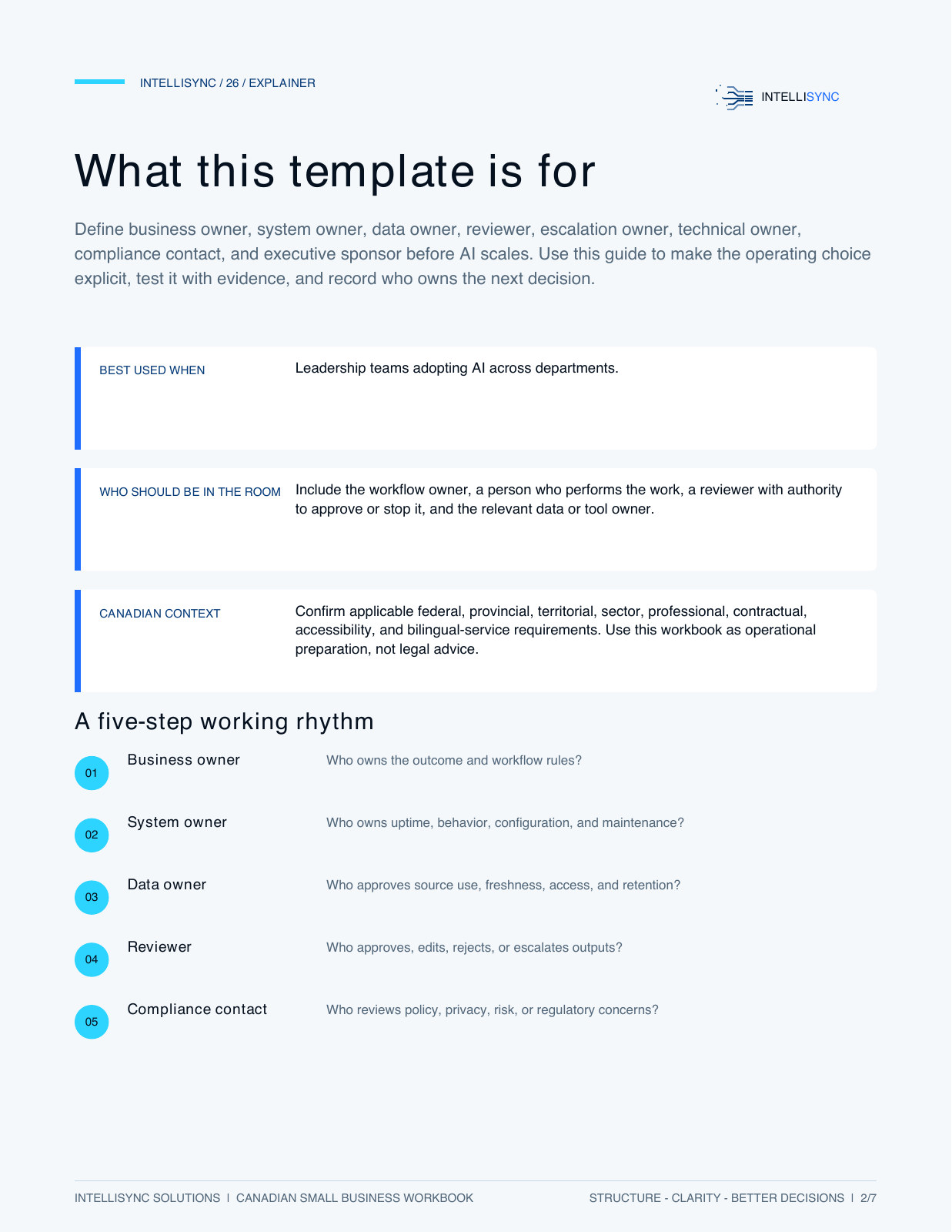
Define business owner, system owner, data owner, reviewer, escalation owner, technical owner, compliance contact, and executive sponsor before AI scales. Use this guide to make the operating choice explicit, test it with evidence, and record who owns the next decision.
Leadership teams adopting AI across departments.
Include the workflow owner, a person who performs the work, a reviewer with authority to approve or stop it, and the relevant data or tool owner.
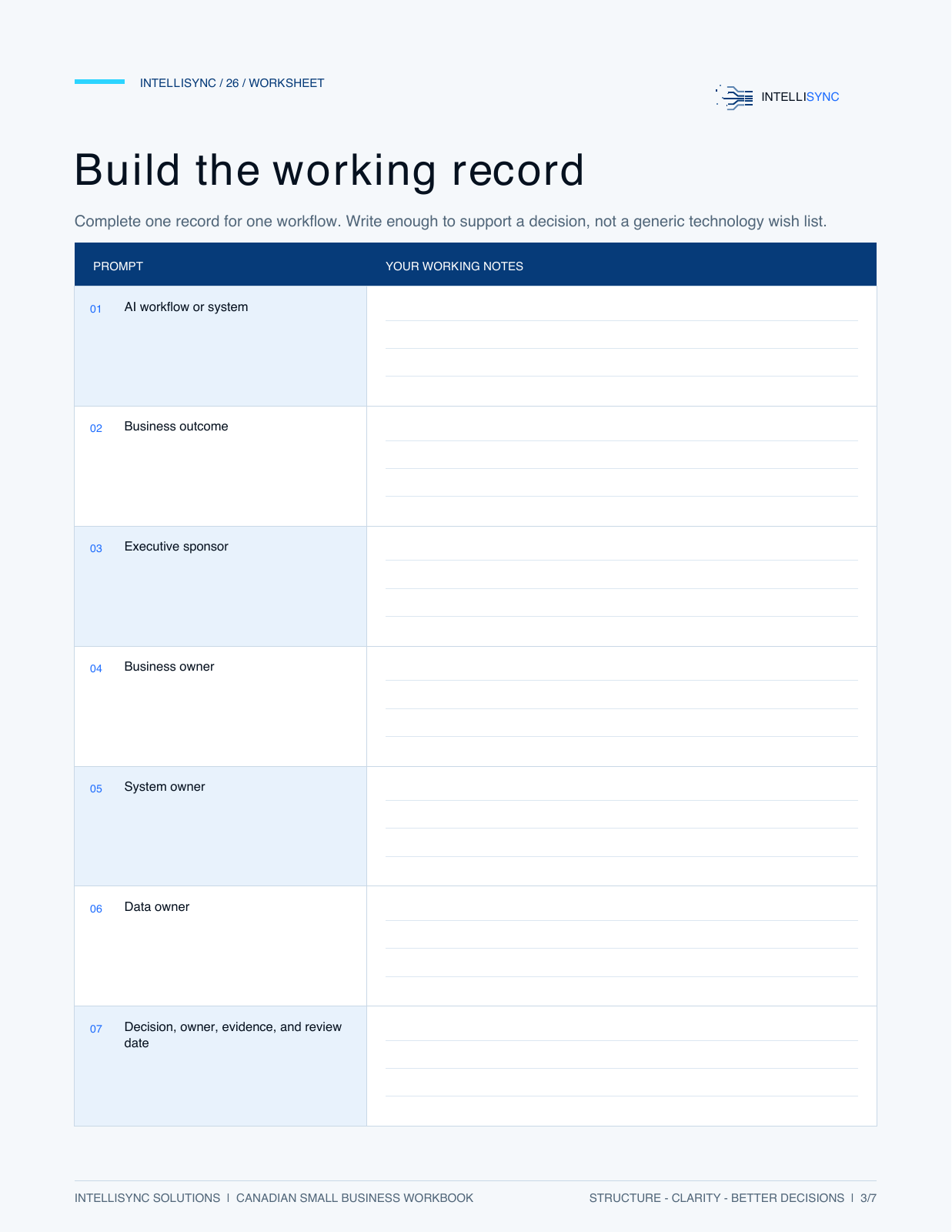
Includes an explainer, working worksheet, three illustrative examples and practical considerations. This is a planning PDF, not prebuilt automation software.
Use it with your own work
Choose one workflow. Record enough context to support a decision, then use the worksheet to name the owner, evidence and next review.
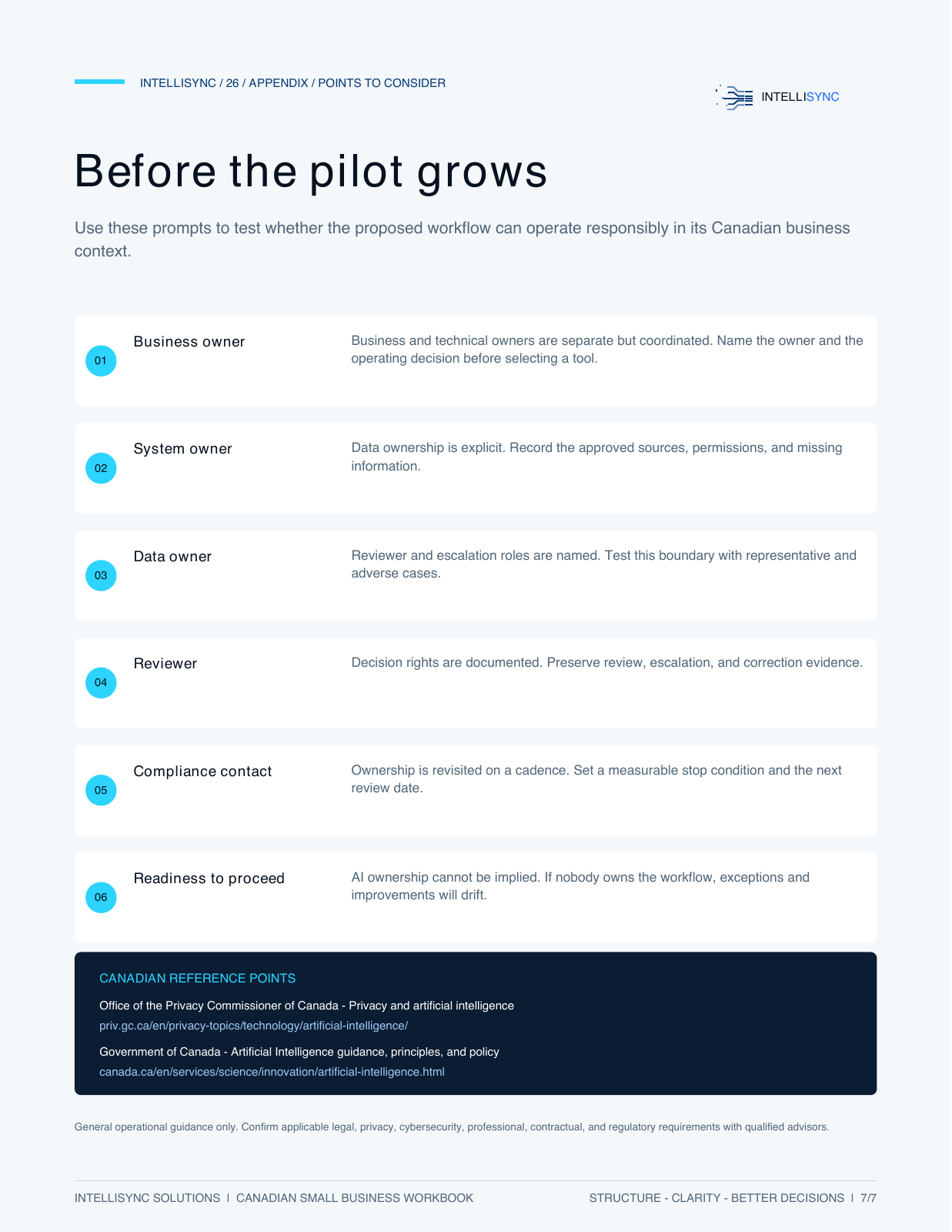
Who owns the outcome and workflow rules?
Who owns uptime, behavior, configuration, and maintenance?
Who approves source use, freshness, access, and retention?
Who approves, edits, rejects, or escalates outputs?
Who reviews policy, privacy, risk, or regulatory concerns?
Illustrative examples from the workbook
Consulting Practice
A new assistant creates drafts, but no one owns source updates or final client promises.
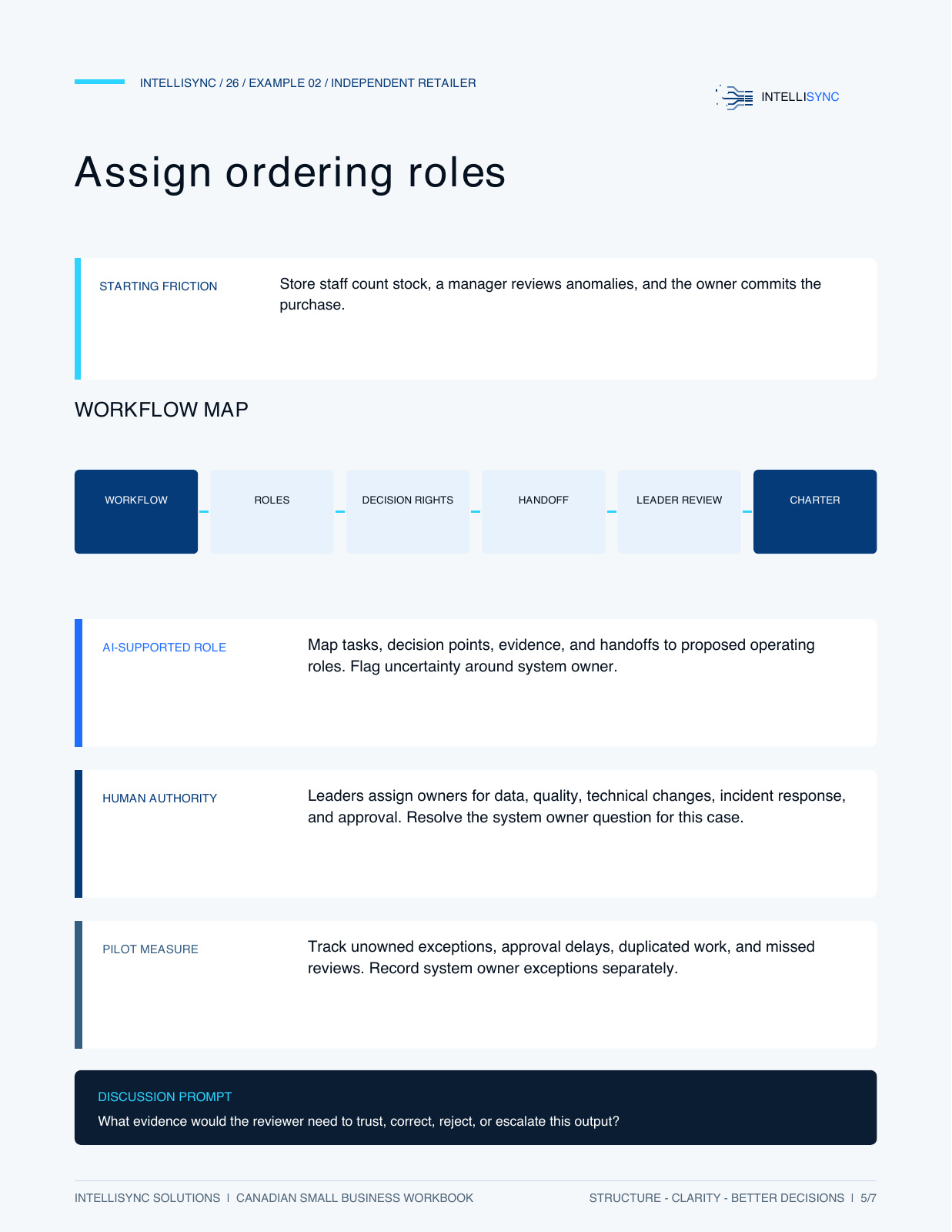
Independent Retailer
Store staff count stock, a manager reviews anomalies, and the owner commits the purchase.
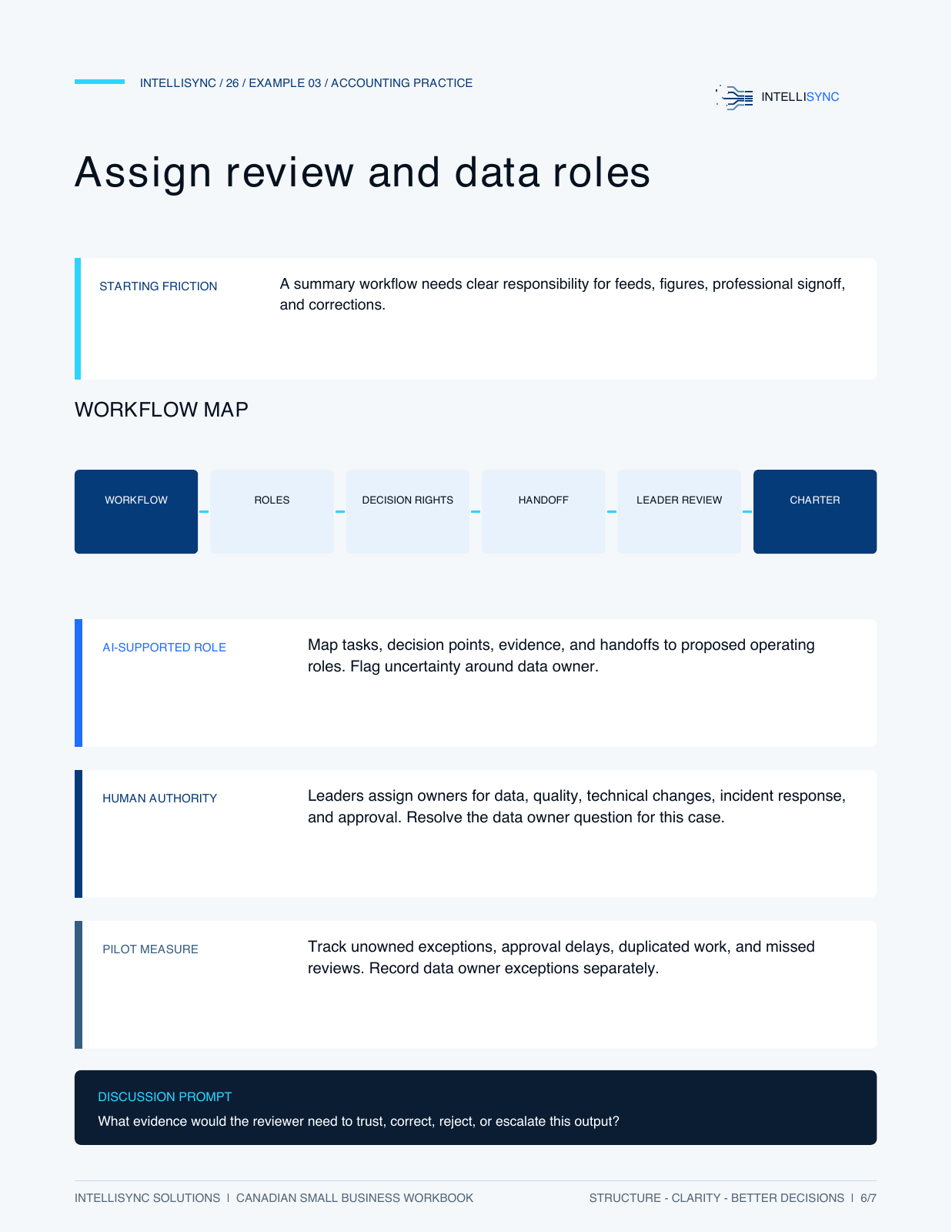
Accounting Practice
A summary workflow needs clear responsibility for feeds, figures, professional signoff, and corrections.
Illustrative scenarios, not client results or a promise of performance. The workbook includes additional case-specific prompts.
A useful first step
Download and use it without booking a call. If you want help applying it, email Chris with the workflow you’re considering and what you want to improve.
Discuss your workflowGeneral operational guidance only. These resources are not legal, privacy, cybersecurity or regulatory advice.